


Read your script aloud

Script to podcast audio

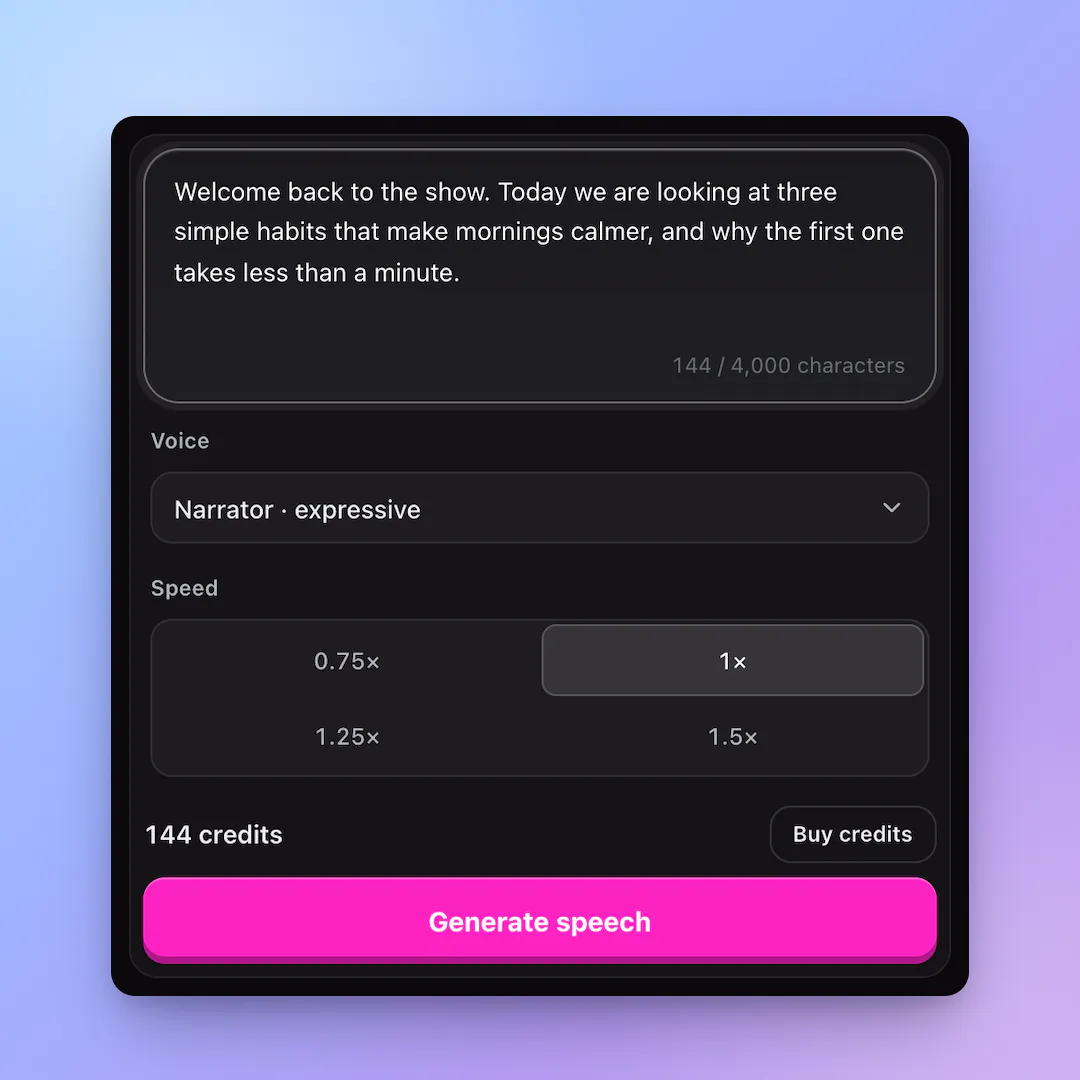
Paste the words you wrote and get a narrator track you can place on your timeline.

  • Natural, expressive voices
  • Free characters on sign-up
  • Commercial use

0 / 4,000 characters

Try
Voice
Speed

Buy credits

At a glance

Script to Podcast uses MiniMax Speech 02 to read up to 4,000 characters as a natural MP3. One credit covers one character, and the quote appears before you generate.

Input
Podcast script up to 4,000 characters
Output
MP3 narrator track
Price
1 credit per character

Keep the words and test the read

  • 01

    Use your final script

    Punctuation and line breaks guide the pacing.

  • 02

    Hear the rhythm

    Listen for sentences that need trimming before you record.

  • 03

    Export for your edit

    Download the MP3 and place it under music or clips.

From script to track

  1. 01

    Paste a segment

    Start with an intro or one chapter.

  2. 02

    Set the delivery

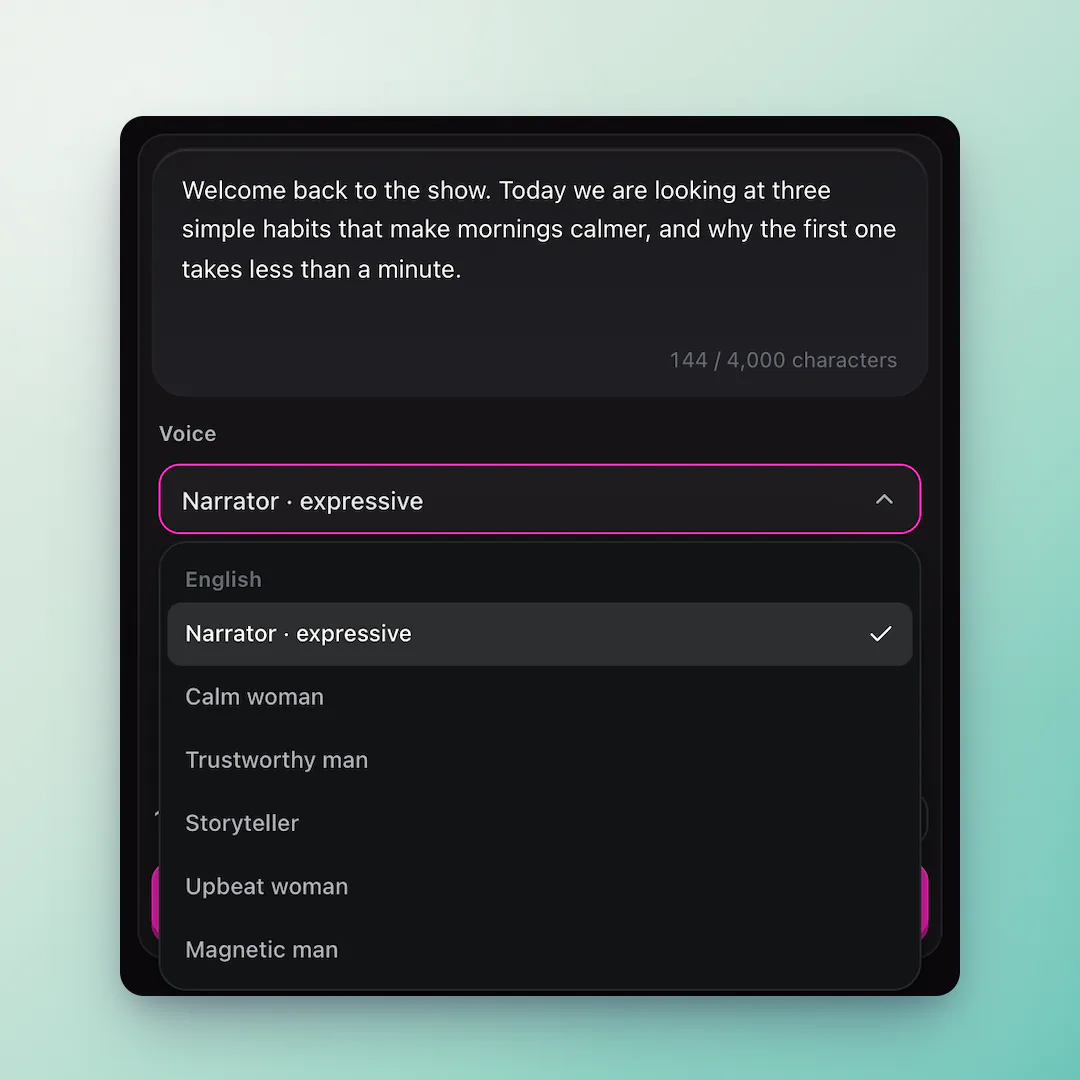
    Choose the narrator and speed.

  3. 03

    Review the take

    Edit the script if a phrase sounds too long, then regenerate.

What is AI text to speech?

A podcast generator turns a written segment into spoken audio with a voice model trained on human speech. The result is useful for intros, explainers, trailers and rough cuts before a final edit.

AI Podcast Generator runs the narrator model in the browser, with no installs or recording booth. The current MVP creates one narrator per clip.
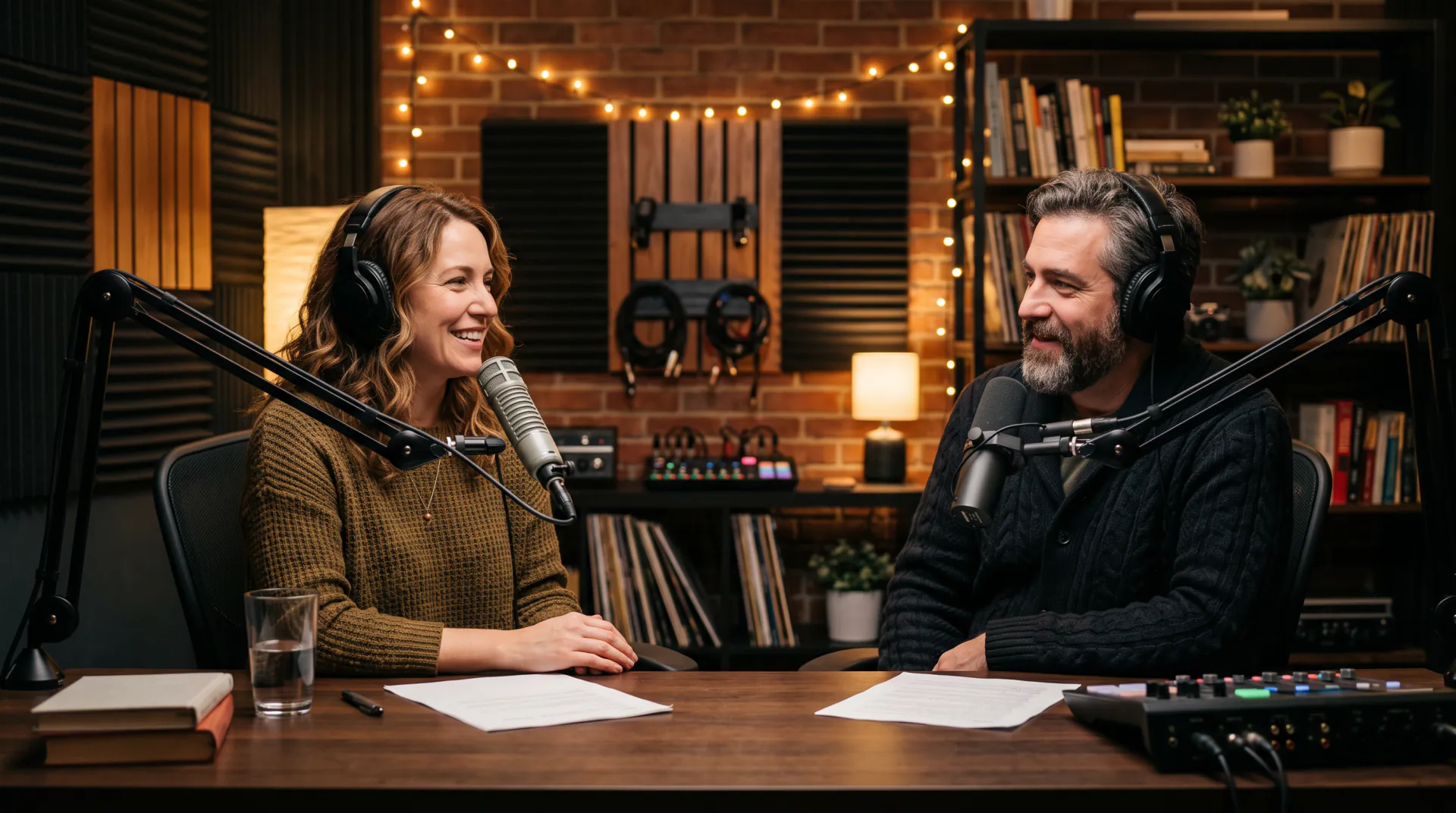
How to write text that sounds good aloud

Speech models read what is on the page, so a few habits make a clip sound better:

  • Write short sentences and spell out unusual abbreviations
  • Use commas and full stops where a speaker would pause
  • Write numbers the way they should be said, like twenty twenty-six
  • Split long scripts into clips by section

Write a script that reads well

Keep one idea per sentence, spell out abbreviations and add punctuation where you want a pause. A short segment is easier to review than a whole episode.

Script-to-podcast FAQ

What file do I get?

The current generator returns an MP3 narrated clip that you can edit with music and effects.

Can I edit the audio?

Yes. Download the clip and assemble it with music, effects and other segments in your normal editor.

How long can a script be?

Up to 4,000 characters per generation, which works well for an intro or short segment.

Hear the script before you record

Turn one segment into a narrator draft.

Last updated October 19, 2026

Create your account