



Narrate the useful parts

Podcast voiceover for explainers and trailers

Use a consistent narrator for the sections that need clarity, context or a quick transition.

  • Natural, expressive voices
  • Free characters on sign-up
  • Commercial use

0 / 4,000 characters

Try
Voice
Speed

Buy credits

At a glance

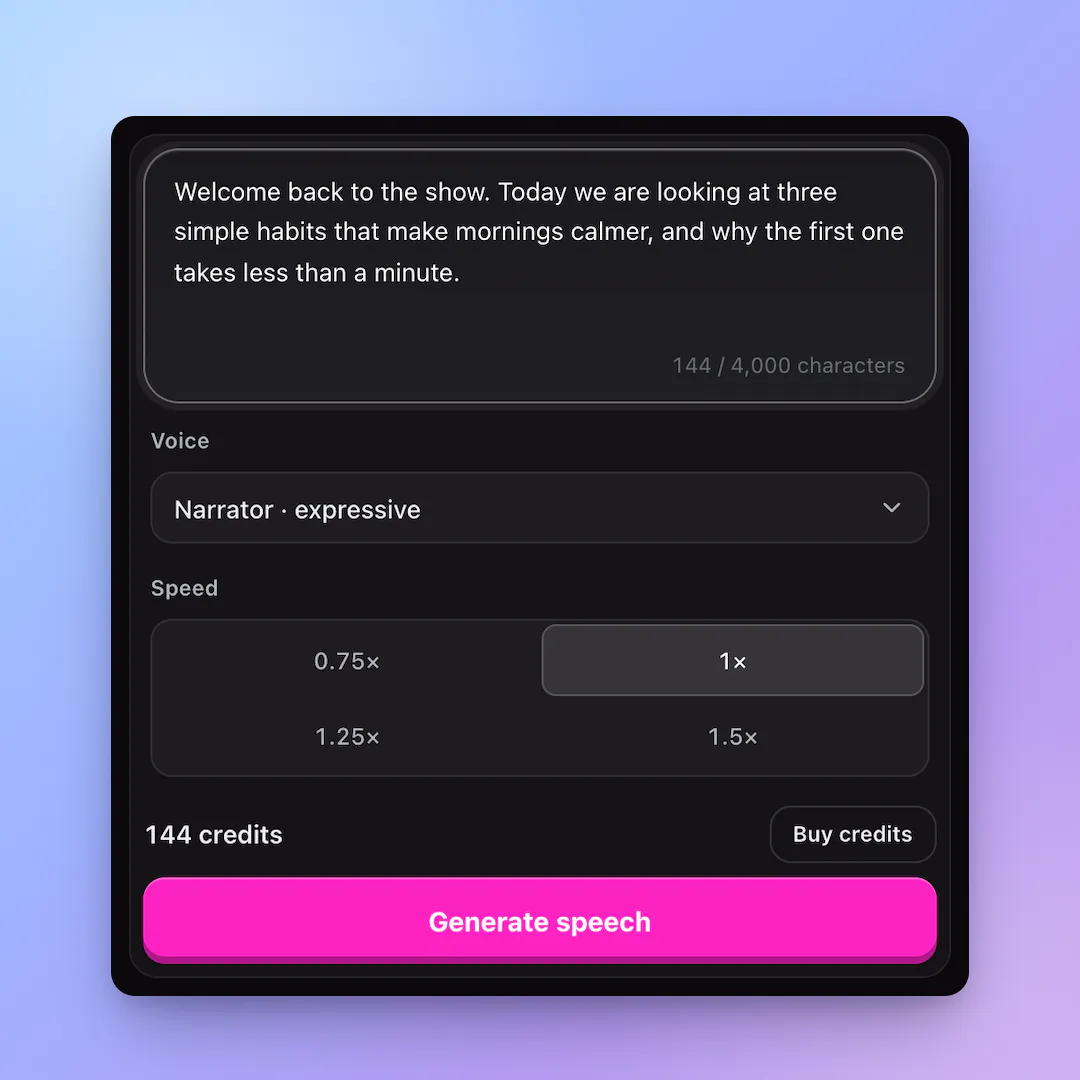
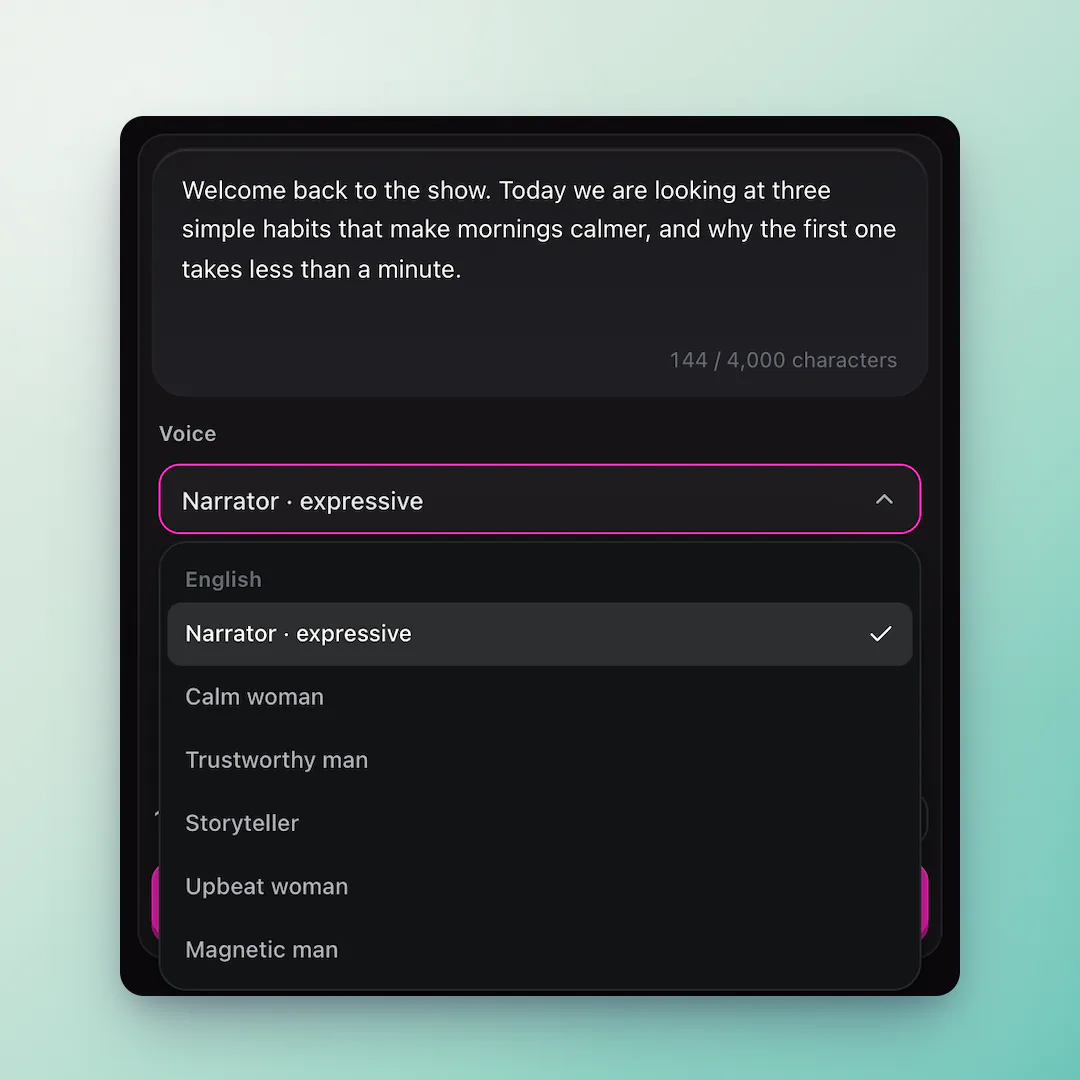
Podcast Voiceover turns a written segment into a narrated MP3 with MiniMax Speech 02. It accepts up to 4,000 characters, offers six voices and charges one credit per character.

Use cases
Explainers, trailers, transitions and summaries
Input
Up to 4,000 characters
Price
1 credit per character

A consistent narrator layer

  • 01

    Explain a detail

    Use a clear read for definitions, context and summaries.

  • 02

    Bridge segments

    Write a short transition that makes a multi-part edit easier to follow.

  • 03

    Keep it editable

    Download separate clips so you can move them around your timeline.

Create a podcast voiceover

  1. 01

    Choose the words

    Write one transition or explanation.

  2. 02

    Set the narrator

    Pick a voice and a comfortable speed.

  3. 03

    Drop it into the edit

    Download the MP3 and place it between your recorded sections.

What is AI text to speech?

A podcast generator turns a written segment into spoken audio with a voice model trained on human speech. The result is useful for intros, explainers, trailers and rough cuts before a final edit.

AI Podcast Generator runs the narrator model in the browser, with no installs or recording booth. The current MVP creates one narrator per clip.
How to write text that sounds good aloud

Speech models read what is on the page, so a few habits make a clip sound better:

  • Write short sentences and spell out unusual abbreviations
  • Use commas and full stops where a speaker would pause
  • Write numbers the way they should be said, like twenty twenty-six
  • Split long scripts into clips by section

Voiceover is not a substitute for reporting

Use the generator for narration and drafts. Check names, quotes and claims yourself before publishing an episode.

Podcast voiceover FAQ

Can I generate separate clips?

Yes. Generate each segment separately so you can arrange it in your editor.

Does it provide a transcript?

The input script remains your transcript; the current MVP does not create a separate transcript file.

Can I use a named person’s voice?

No. Use the catalog voices and do not request unauthorised imitation.

Add a clean narrator track

Write one transition or explainer and generate it.

Last updated October 19, 2026

Create your account